3.23.2011

Project: Anna progress 07

It has been a while since my last post. Progress 06 had actually been sitting as a draft for weeks now and I've just published it. Here's another progress of her.

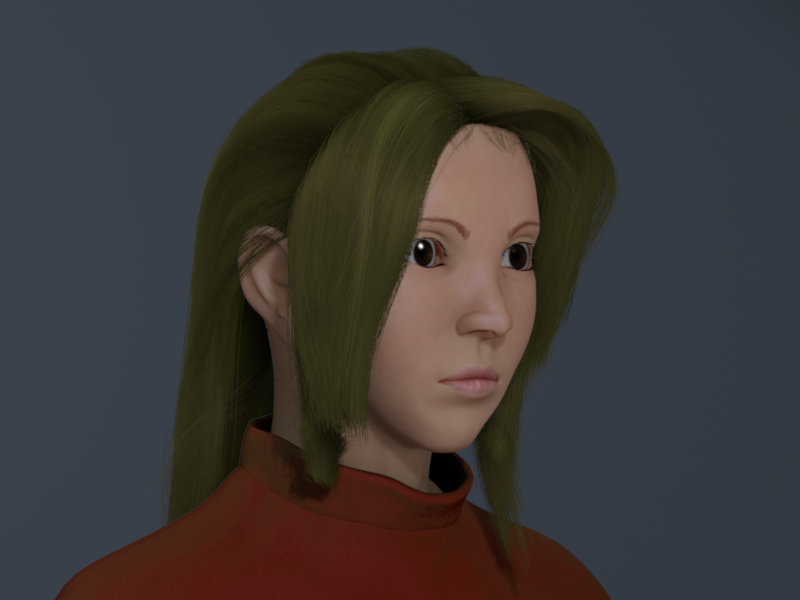
anna paint over
This is just a test render with hair paintover. I was having problems with the hair. Good thing Max Evil of Blenderartists forum suggested a great tutorial about doing realistic hair painting. The hair is painted in Gimp using a mouse. I have to say, it turned out pretty great but if you zoom in that's when you'll see the faults (I'm not telling where :p). Here's the link to the tutorial.


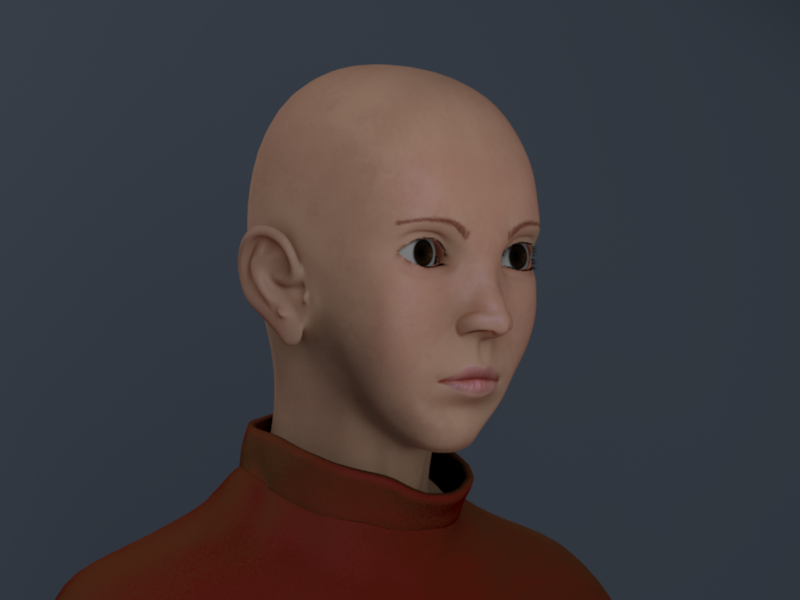
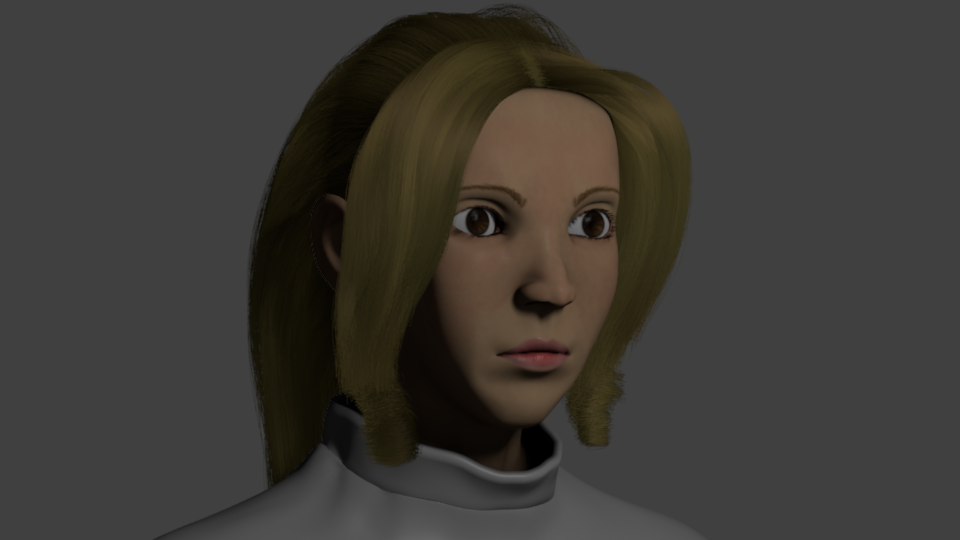
Here's a test render of her further tweaked face. She looks more mature now than before. I originally planned to stick with the reference image I had but decided to try experimenting on her current topology. Certain looks can't be achieved if your topology is already formed unless you're gonna delete or add vertices. But in this case, I already have my textures done so changing the topology would entitle me to re-work on the textures as well, which is a hassle. I just push and pulled vertices here and there to achieve this look without adding or deleting any vertices.

smile shape key
Here's a render with the "smile" shape key I've added.

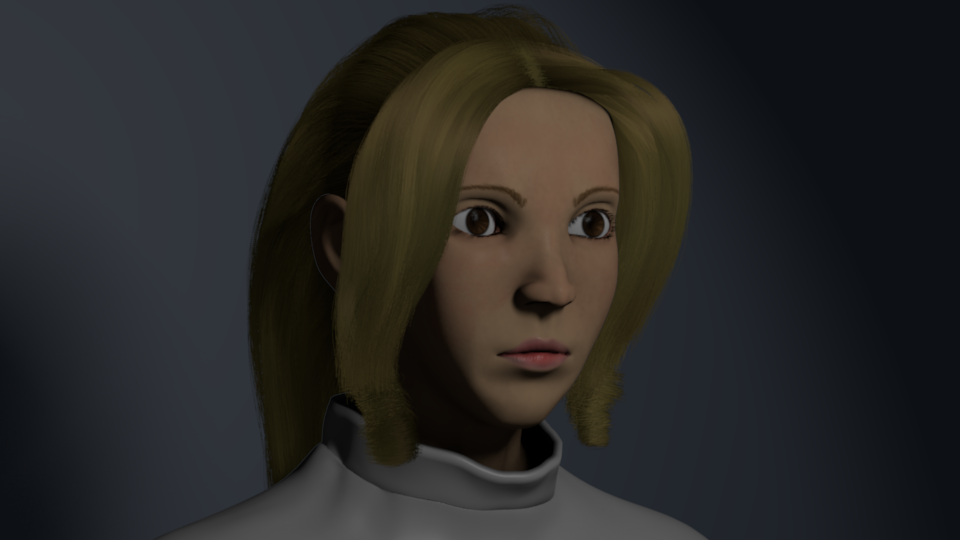
render with background
I've played around with Blender's compositor and got this result. I've rigged her so if ever I change my mind about a pose I can easily do it. The lighting on the previous image is pretty much what I'm sticking with. I like it's simplicity, how it brings out the highlights on her left side. Although what I really wanna achieve there is a well-distributed specular highlight, but I couldn't with my previous tests. I'm currently looking for ways to achieve that.
Here's what I'm talking about:
Stahlberg's skin shader
If you look at the bright specular highlights on the left of the character's head you'll see that the pores aren't visible anymore due to high specularity but I can't seen to achieve that in Blender.

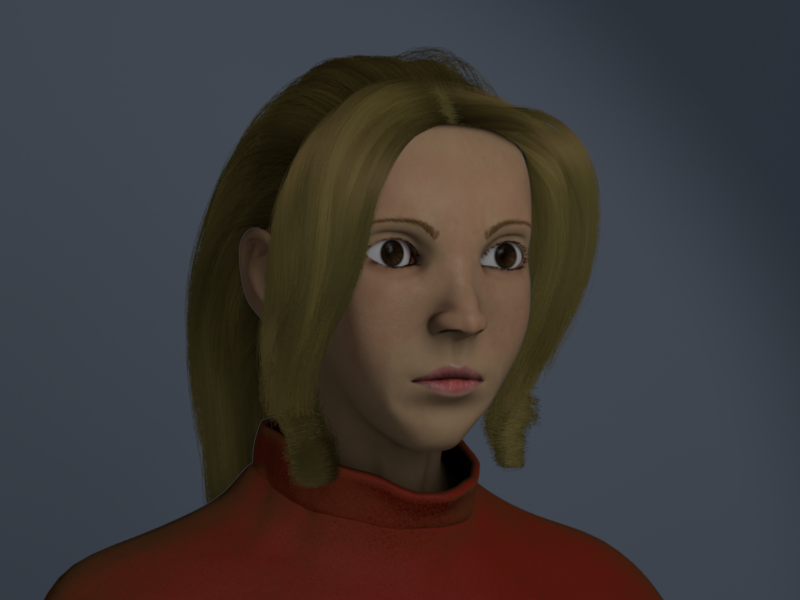
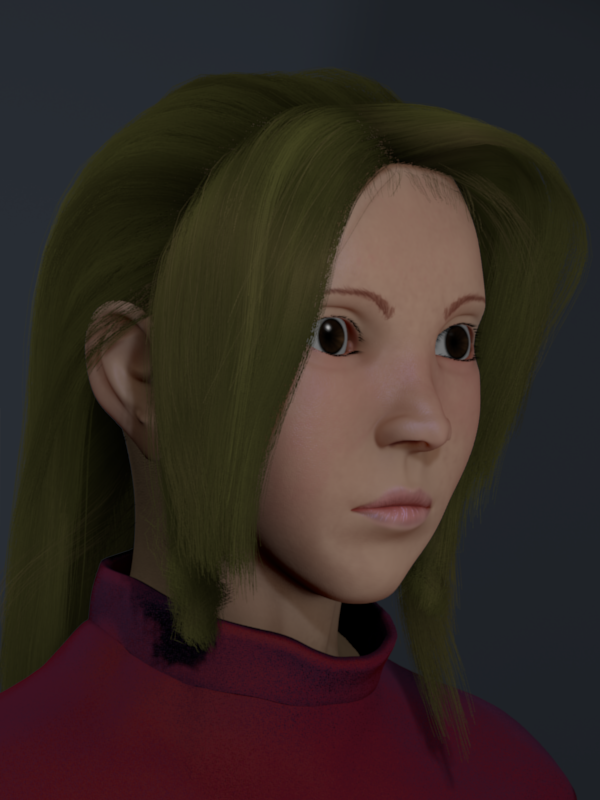
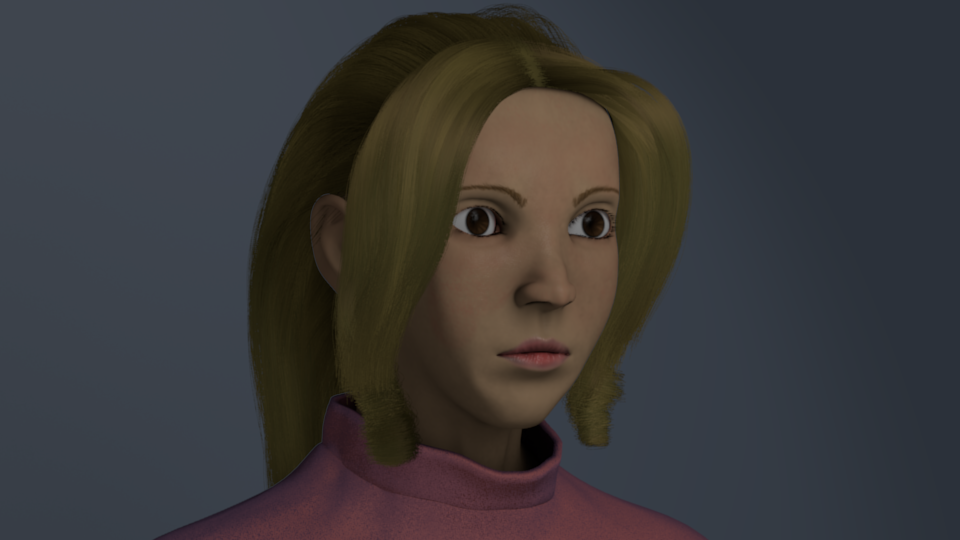
render with hair and pose
This, so far, is what I have now. Her topology looks odd from this angle. I might have to tweak it some more.

2.20.2011

Project: Anna progress 06

Another update:

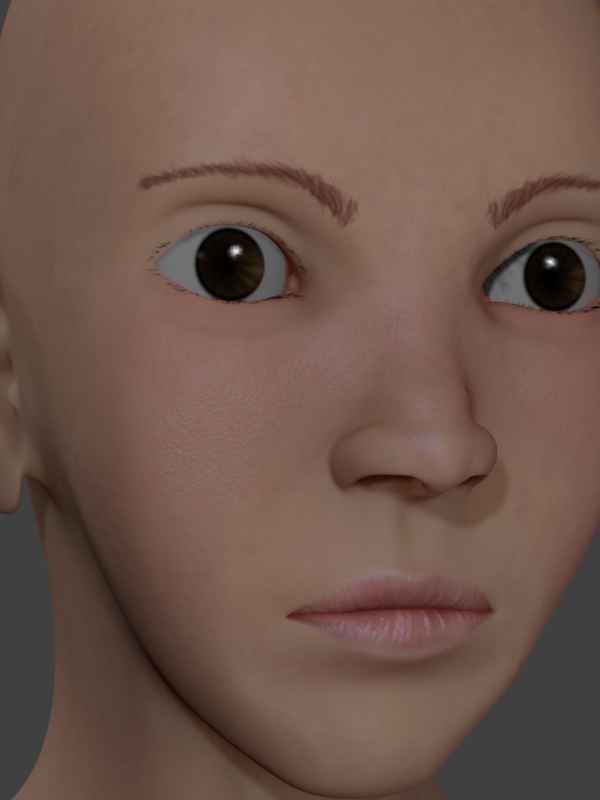
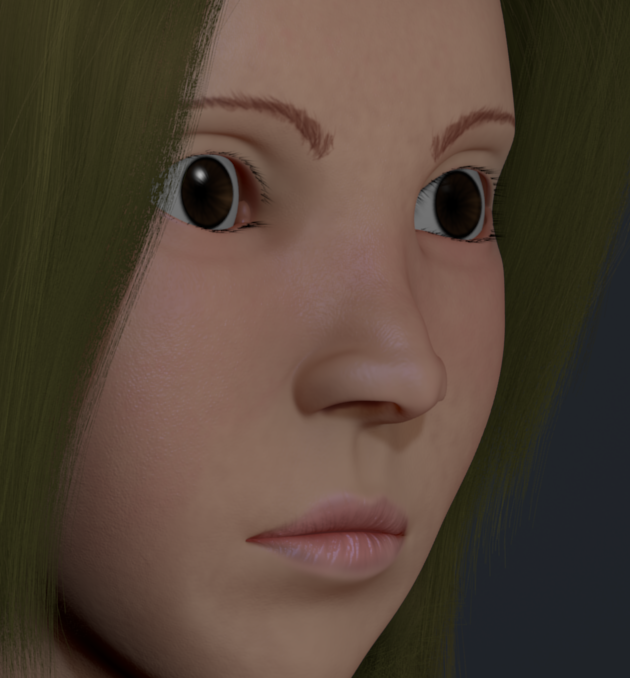
Here's a close up render of her. I was testing the bump map.


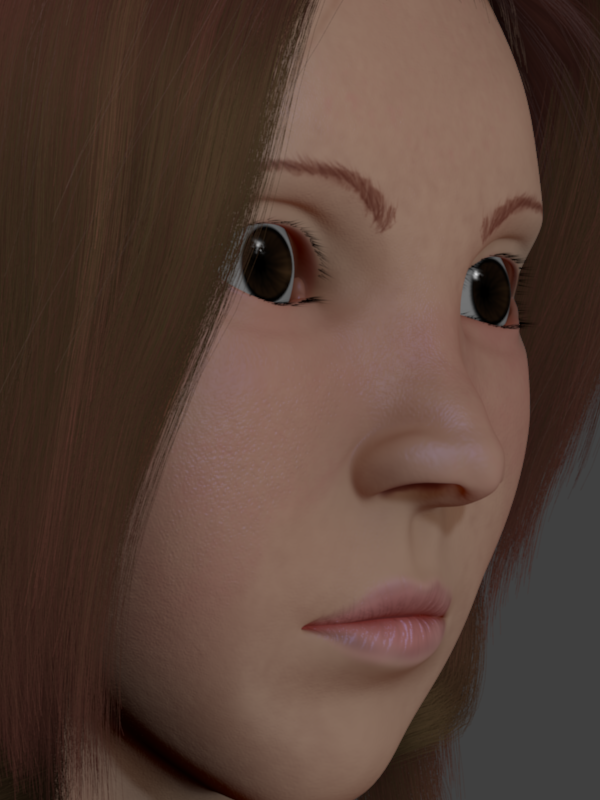
Another close up render with hair.

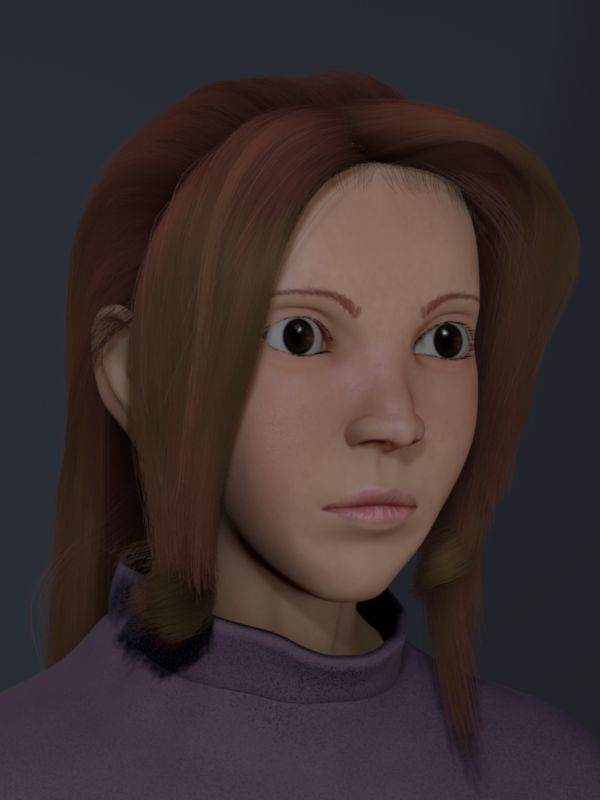
...and a far render showing her cloth.

2.13.2011

Project: Anna progress 05

Render updates:

Fixed the hair poking out of the ear.


Tweaked some parameters on the eye lens.


Re-did the skin shader with a multi-layered subsurface scattering.


Changed the resolution of the image and also the lights to produce buffer shadows.


Here's a high quality render.

2.11.2011

Project: Anna progress 04

Anna update:

Here's a render of her with a cloth I modeled using first the cloth modifier. I then applied the cloth, and then started sculpting it in sculpt mode.

This render has a temporary background. I'm planning on adding a depth-of-field effect on her like what I added on Leila but this time with a different approach. I'll use defocus instead of using blur node. Let's just see what happens later.

In this render, I already added a bump and a ramp color on the cloth to make it look like a cloth. I added two bump maps; a cloud and a voronoi noise just to make the bumps look varying.

fixed,hair,problem,cloth,changed,color
I changed the cloth color here and fixed her hair problems she had before this render, specifically right through the ears. Another flaw I wish to fix is the light blue outlining on her right shoulder. I'm still looking into fixing this problem. This is caused by the hair, I'm sure.

2.10.2011

Project: Anna progress 03

Update renders on Anna:

Here's a render on her right side. I'm not happy with her hair, though.

...so here's a revised version of her hair. Can't seem to get the artifacts off of her cheeks. That's a hassle.

I thought I got rid of the artifacts here having a background plane but it seems the outline on her cheeks were just smoothed out.
Visit my website here.